Doota is email that looks and feels like a chat app. Every conversation is one simple thread of messages — like texting — but it’s real email underneath, so you can write to anyone on Gmail, Outlook, or anywhere else, and they can write back.
The name Doota (say DOO-tah) means messenger.
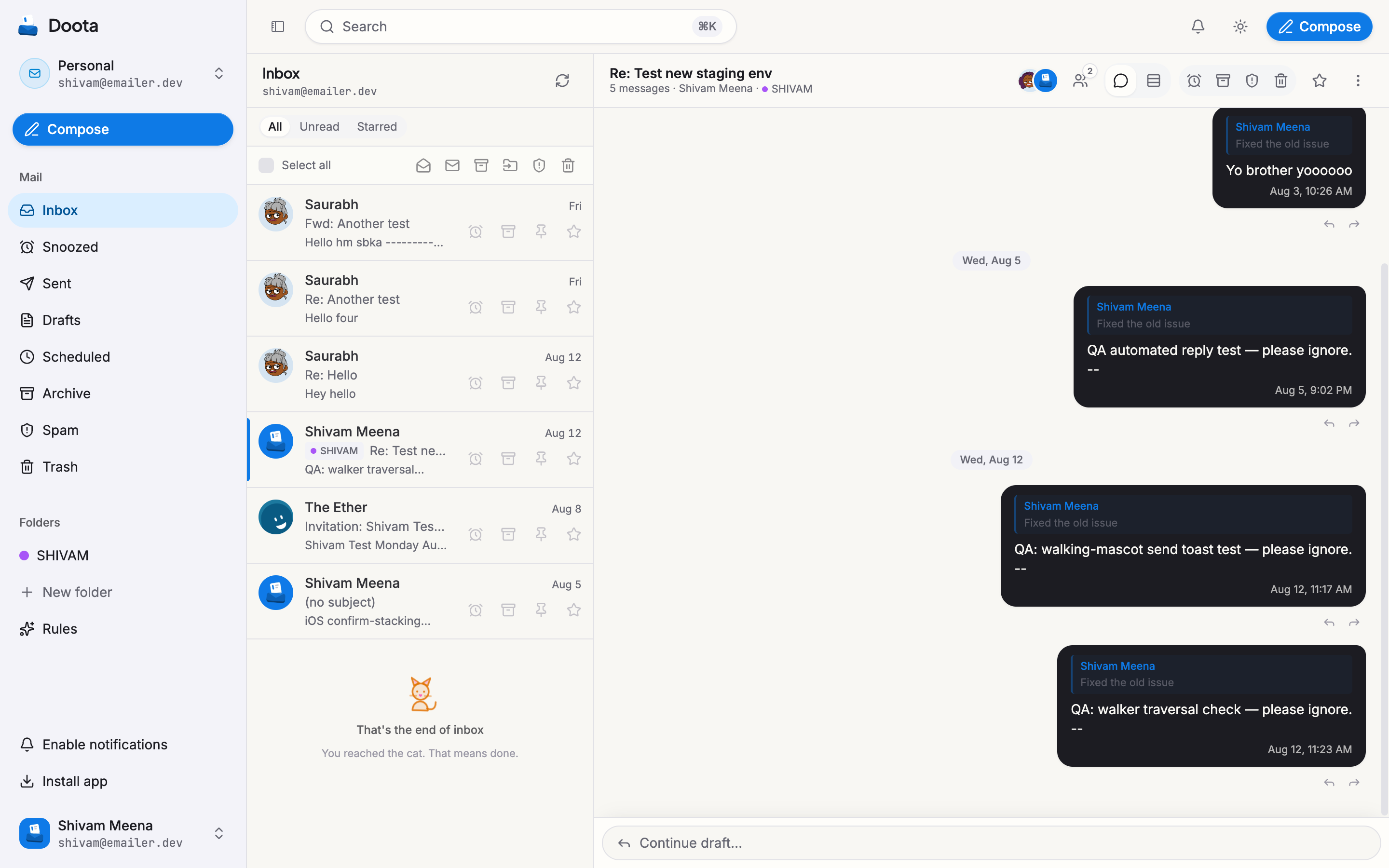
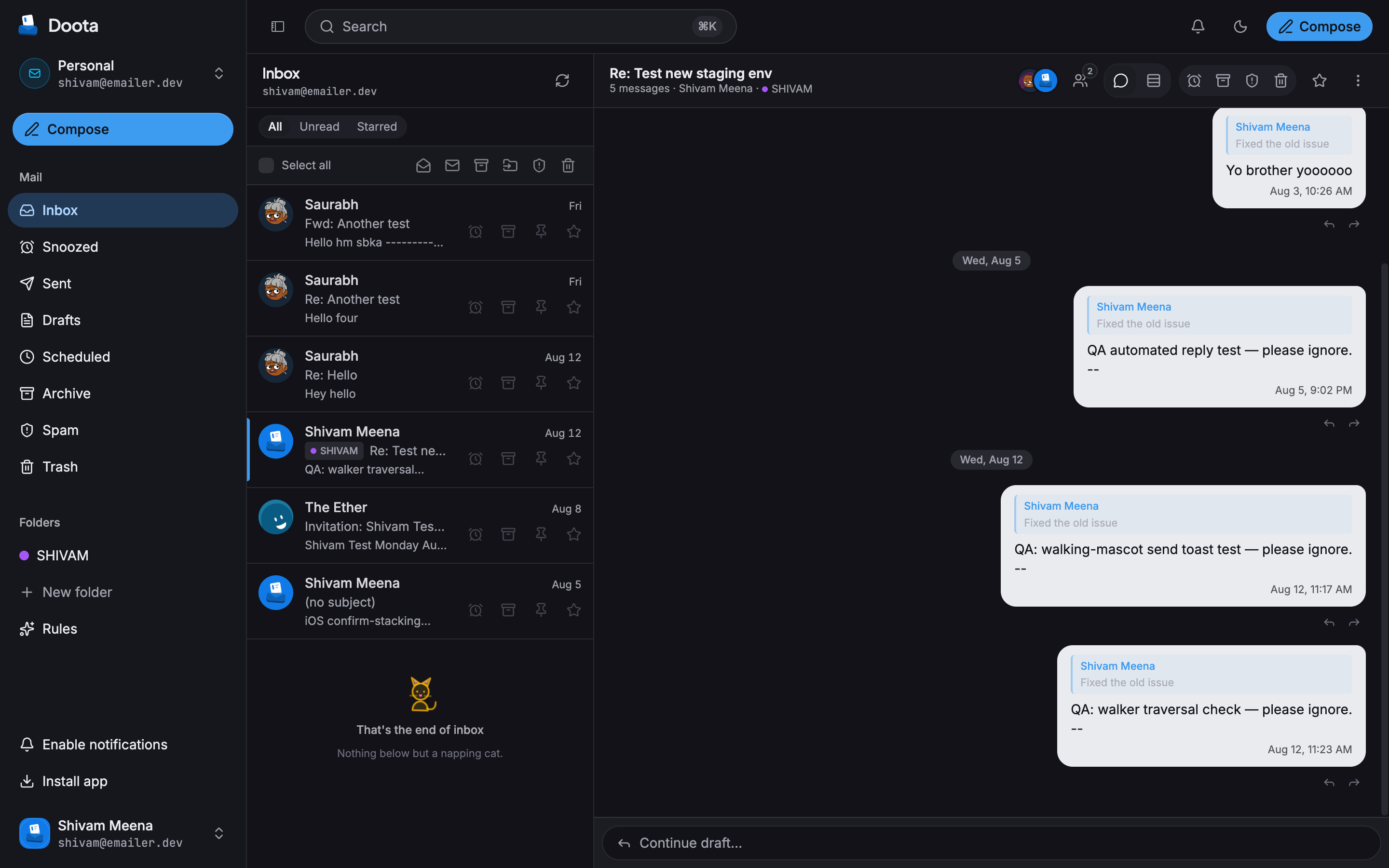
Pick your path
I was given a Doota account
Someone set up Doota and invited you. Start with Getting started — sign in, secure your account, and send your first message.
I want to run Doota myself
You’re setting Doota up for yourself or your team. Head to Self-hosting — it runs on your own Cloudflare account.
What makes Doota different
Conversations, not folders
Each email thread is one running conversation. No inbox archaeology.
It's your address
Doota runs on your own domain and your own account. No company sits between you and your mail.
Private by default
The contents of your messages are locked up when stored, so a data leak can’t read them.
Undo send & send later
Change your mind right after hitting send, or schedule a message for later.
Throwaway addresses
Hand out a one-off address for each site. Getting spam? Switch it off.
Simple, strong sign-in
Sign in with a passkey (your fingerprint or face) or a password with a one-time code.
Where to go next
- Want the ideas behind it first? → How Doota is different
- New here and just want to use it? → Getting started
- Curious about day-to-day features? → Using Doota
- Setting it up for others? → Self-hosting