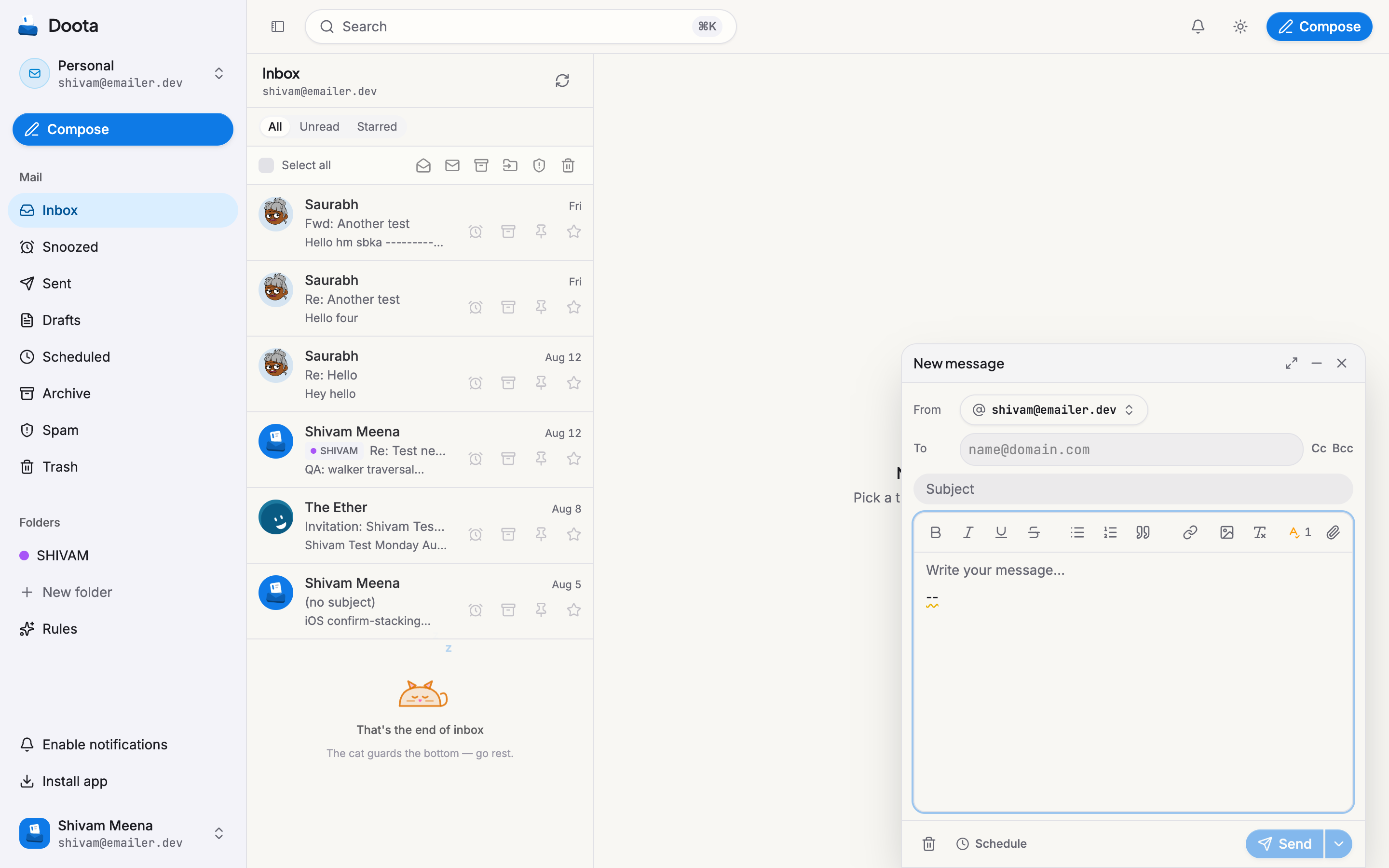
Writing in Doota feels like typing a chat message, but it sends a real email — with a few handy extras.
Replying and forwarding
Reply straight in the conversation and it stays threaded, so both you and the other person see it all in one place. You can also reply to everyone on a group message, or forward a message to someone new.
Drafts save themselves
Started writing but got pulled away? Doota keeps your draft safe. Close it, come back later, and pick up where you left off — attachments and all.
Choosing who it’s from
If you can send from more than one address — your own, a shared team inbox, or one of your extra addresses — Doota lets you pick which one a message goes out as before you send.
Undo send
Spotted a mistake the instant you hit send? For a few seconds afterward, an Undo button appears. Tap it and the message is pulled back before it ever leaves.
Schedule for later
Pick a date and time — tap a quick option, type it in plain words (“tomorrow 9am”, “next week”), or choose it on the calendar — and Doota holds your message until then. Great for writing now but landing it during work hours. You can change or cancel a scheduled message any time before it goes.
Watching it send
After you send, you can see the message move along: sending, then sent, then delivered — right there in the conversation, no refresh needed. If a message can’t be delivered (say, a mistyped address), Doota tells you so you’re never left guessing.